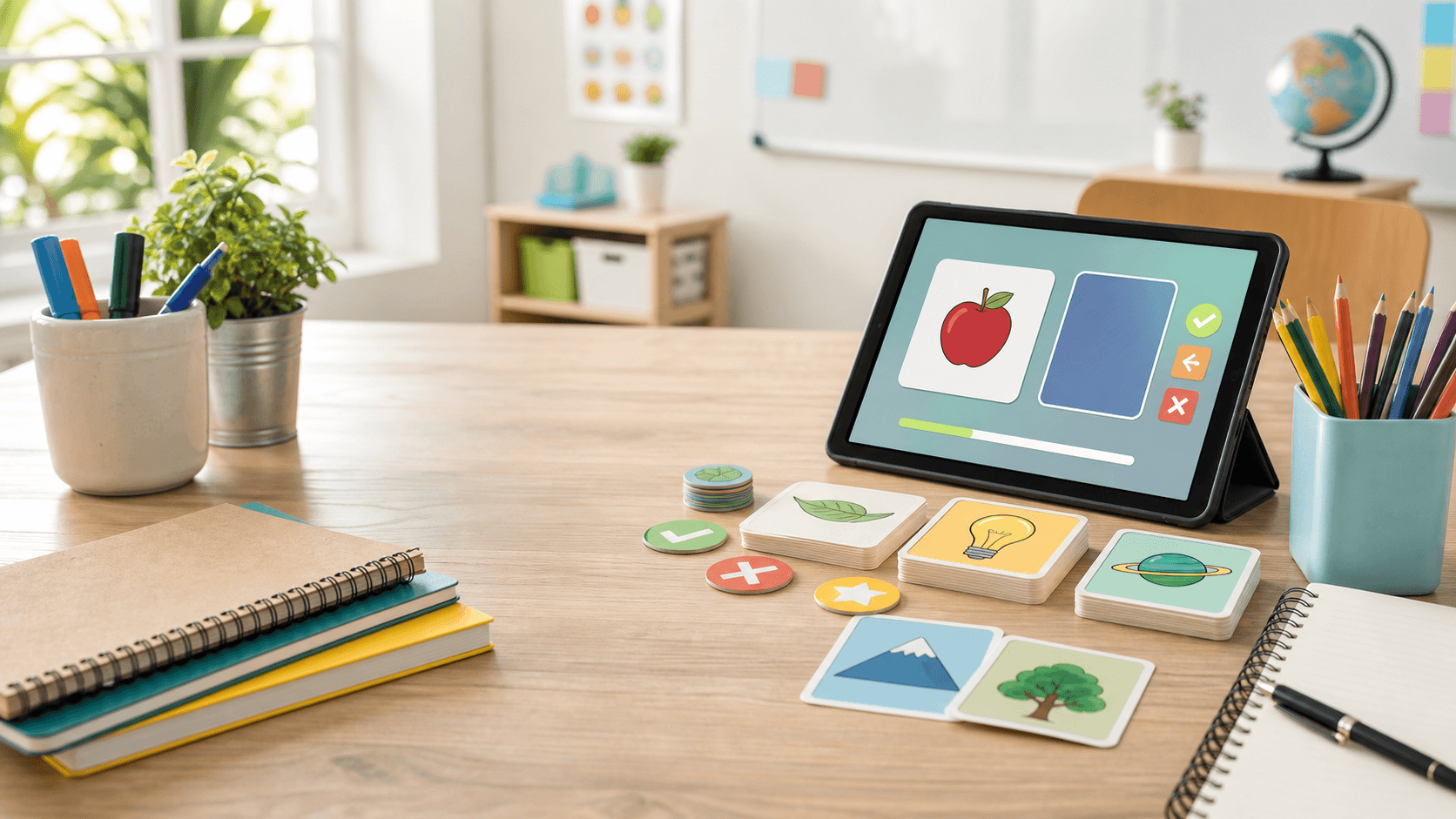
Create, share, and analyze classroom activities in minutes
Create interactive exercises, share them by code or QR code, and track your class’s learning progress.
- Created in minutes
- No student accounts
- Share by code or QR
- Track learning progress
- Ready to use
How it works
Create, share, and track learning progress in minutes
LearnDeck keeps the classroom workflow simple: choose a template, add content, share the activity, and review progress.
Choose an activity
Select the activity type that best fits your lesson.
Add content
Create questions and answers in minutes.
Share with the class
Share activities by code, link, or QR code.
Review analytics
Track progress, participation, and difficult content.
Product features
Everything teachers need for quick classroom practice
LearnDeck combines activity creation, account-free student access, sharing tools, and results dashboards in one focused workflow.
Multiple activity types
Use Flash Cards, Match Up, Quiz, and Fill in the blanks today, with more reusable classroom templates planned.
Simple code sharing
Students can join from the landing page with a short activity code.
QR code sharing
Generate QR codes so students can scan and start from classroom devices.
Student access without accounts
Students enter a display name and start without email addresses or passwords.
Learning analytics
Review mastery, attempts, completion time, response distribution, and difficult content.
Teacher dashboard
Manage activities, publish share codes, duplicate templates, and review results from one place.
Partially anonymized participation
Participation is account-free and uses display names instead of student accounts.
Works on classroom devices
Responsive activities work on phones, tablets, laptops, and classroom screens.
Learning analytics
Understand what students actually learned
Move beyond completion counts with dashboards that surface mastery, difficult content, repeated attempts, and class progress.
Activity Performance
A dashboard-style view for teachers after students complete an activity.
Avg Mastery
78%
Across completed sessions
Completion Rate
91%
Students who finished
Difficult Items
5
Need review next
Avg Time
4m 02s
Pace across the class
Most difficult items
Top students
Response distribution
Activity templates
Find out about our templates
Explore the activities LearnDeck supports today and the classroom templates planned for the future.
Available activities
More activities coming soon
Explore the activities LearnDeck supports today and the classroom templates planned for the future.
More activities coming soon
Explore the activities LearnDeck supports today and the classroom templates planned for the future.
Speaking Cards
Deal discussion prompts from a shuffled deck. Coming soon.
Spin Wheel
Spin to choose a random classroom prompt. Coming soon.
Group Sort
Drag items into the correct groups. Coming soon.
Complete the Sentence
Drag words into blanks to complete a text. Coming soon.
Find the Match
Pick the correct match. Coming soon.
Unjumble
Reorder words into the correct sentence. Coming soon.
Anagram
Unscramble letters into a word or phrase. Coming soon.
Matching Pairs
Find matching pairs. Coming soon.
Open the Box
Open boxes to reveal hidden items. Coming soon.
Privacy-conscious classroom use
Students join without creating accounts
Students only enter a display name to participate. Teachers can share activities using codes, links, or QR codes.
Display names only
Students participate with a classroom-friendly name rather than a full account.
Codes, links, and QR
Share the same published activity in the way that fits your classroom setup.
Progress for teachers
Teachers still get useful session and response data for reviewing learning progress.
Get started
Ready to create your first activity?
Build a reusable activity, publish a share code, and let students join from any classroom device.